
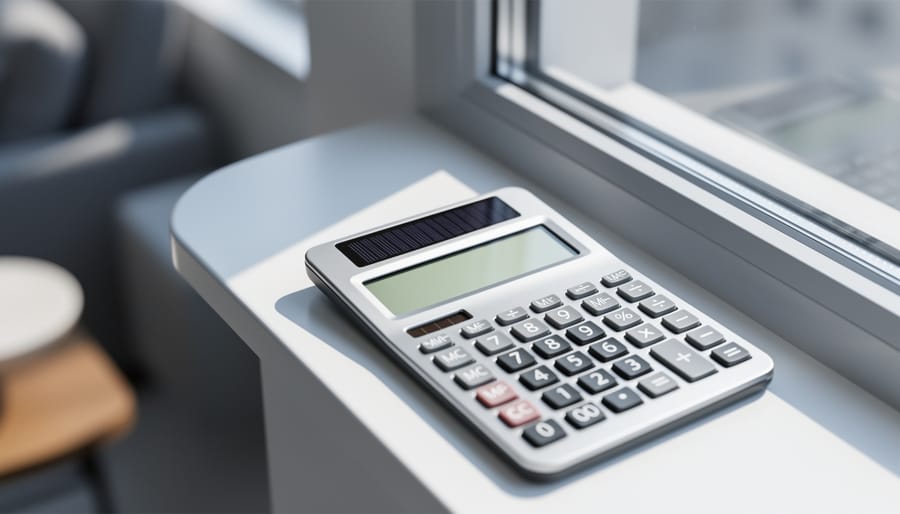
Most solar calculators that stop working just need more light or a fresh battery. Hold yours under a bright lamp or near a window for about a minute, then press the ON or AC button. If digits appear, light was the problem. If the screen stays blank or shows faint, ghosted numbers, the backup battery is the likely culprit, and swapping it often takes less than five minutes.
Those little solar cells are tougher than they look, and a failing calculator is rarely a lost cause. Still, a blank display can come from dirty cells, a worn battery, a cracked screen, or a stuck key, so it helps to sort the symptoms before you start prying anything open. The steps below move from the quickest checks to the fuller repair, and they only need a soft cloth, a small screwdriver, and a few spare minutes.
A working calculator matters more than you’d think. It’s the everyday tool people reach for when they check a solar quote, estimate monthly savings, or compare payback times. If you spot any swelling, leaking, or damaged battery casing, stop there and replace the device rather than forcing a repair.
Symptom Triage: What Is Your Calculator Actually Doing?
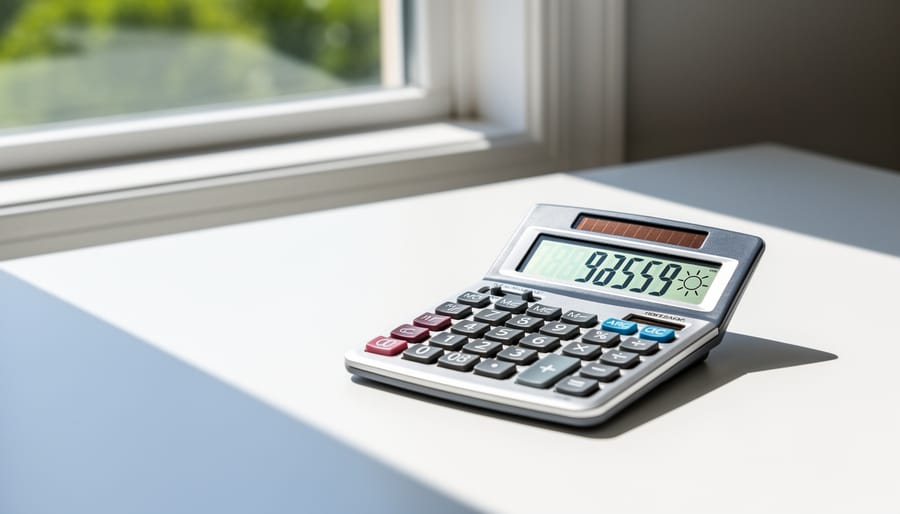
Before you grab a screwdriver, take a minute to read the clues. A solar calculator usually tells you what’s wrong through how it misbehaves, and matching the symptom to the cause can save you a lot of guessing.
Start by noticing what the display and keys are doing. Is the screen completely blank, or can you see faint digits? Does it only wake up in direct sunlight? Are the numbers strange, or do the keys ignore you? Each pattern points in a different direction.
| Symptom | Most Likely Cause | First Thing to Try |
|---|---|---|
| Blank screen in dim light | Not enough light reaching the solar cell | Move it to a bright window or outdoors |
| Faint or fading digits | Weak light, a dirty cell, or a tired backup battery | Wipe the panel and test in strong light |
| Works only in bright light | Worn backup battery or low indoor light | Compare sun versus room light, then check the battery |
| Wrong numbers or odd characters | Power dip or a glitch in the chip | Press the reset or clear button in bright light |
| Unresponsive keys | Stuck key or worn contact pad | Press each key firmly and clean around the edges |
| Works briefly, then shuts off | Cell shaded by your hand or a weak battery | Keep the panel uncovered while you type |
Don’t worry if your calculator matches more than one row. Light and battery problems often overlap, which is why the easiest checks come first. Once you’ve spotted your best match, the repair steps later in this guide will walk you through the fix, and most of these symptoms clear up with nothing more than better light and a gentle wipe.
Likely Causes Behind a Solar Calculator That Won’t Power On
Light and Panel Problems
Most “dead” solar calculators have a light problem, not a broken one. The solar cell needs enough of the right kind of light to make power, and everyday habits can quietly starve it. Here are the usual culprits:
- Dim room lighting that gives the cell too little energy to work with.
- A dirty cell covered in dust, fingerprints, or a thin film of grime.
- Partial shading from your hand, a case flap, or a desk lamp’s shadow.
- A scratched or sun-faded cell that no longer absorbs light well.
- Storage in a dark drawer, so the cell never gets a chance to charge.
The type of light matters as much as the brightness. Sunlight and bright incandescent or fluorescent bulbs work well, but many LED bulbs produce very little of the light these small cells use, so a calculator can sit under an LED lamp and still stay blank.
Shading is the sneakiest one. Your finger or the case can block just enough of the cell while you type to make digits flicker or fade. Try tilting the calculator toward a window and keeping your hand clear of the panel.
Backup Battery and Internal Issues
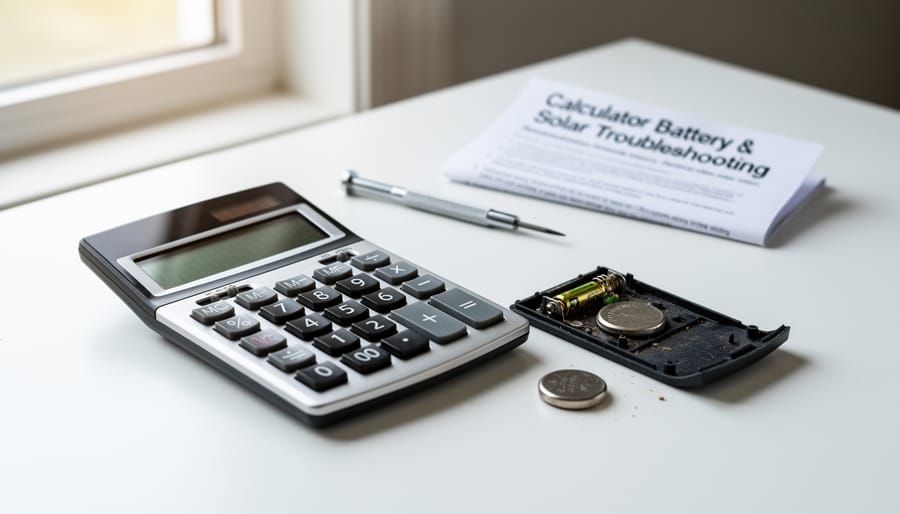
Many “solar” calculators are actually dual-powered. Alongside the solar cell sits a tiny backup battery that keeps the display steady when light dips, and once that cell runs down, the whole unit can act dead. Other internal culprits are common too: corroded battery contacts, moisture or heat damage, a stuck key, or a worn contact pad under the keys.
Here are the parts worth knowing:
- Solar cell (photovoltaic cell)
- The dark strip that turns light into the small amount of electricity your calculator needs.
- Backup battery (button cell)
- A coin-sized battery that tops up power when light is weak.
- Battery contacts
- The small metal tabs that carry power from the battery to the circuit board.
- LCD display
- The screen that shows your numbers, and it needs steady power to stay readable.
If the contacts look green or crusty, a gentle rub with a dry cotton swab can restore the connection. Sticky or unresponsive keys often come from spills or years of wear on the pads beneath them.
And if your calculator is a decade or two old, with a cracked case or faded display, it may simply be time for a fresh one. Good news: a new solar calculator is inexpensive and ready to run your numbers right away.
Step-by-Step Fix: Bring Your Solar Calculator Back to Life

A Quick Light Test to Confirm the Solar Cell Is Working
Take your calculator to three spots and watch the display each time. Start in direct sunlight, then move to a bright window, and finally under normal room lighting. Give it a few seconds in each place before judging.
If the digits appear in the sun but fade or vanish indoors, the solar cell is doing its job and the light is simply too weak. If it stays blank everywhere, even in full sun, the problem is more likely inside the unit, such as a worn backup battery or a bad contact.
Once it’s running again, try your numbers in a quick solar savings calculator check to confirm everything adds up.
Keeping Your Calculator Ready for Your Solar Savings Numbers
Quick Savings Math You Can Run on Any Solar Calculator
Once your calculator wakes up, put it to work. Here’s a quick example with illustrative numbers, not real-time data. Say a home system produces 8,000 kWh a year and electricity costs $0.15 per kWh. Multiply 8,000 x 0.15 and you get $1,200 in yearly savings. If the system costs $14,400, divide that by $1,200 and you reach a payback of 12 years.
Swap in your own numbers to see how your project stacks up. For a deeper walkthrough, learn how to estimate true savings. And if you’re curious how others cut energy costs with solar, schools offer inspiring examples.
Solar Powered Calculator Troubleshooting FAQs
Why does my calculator work in the sun but not indoors?
Solar cells need enough light to make power, and many indoor bulbs, especially some LEDs, give off very little usable energy. Move closer to a window or a brighter lamp, and it will often wake right up.
Do solar calculators have batteries?
Many do. Dual-powered models include a small backup cell that keeps the display steady in dim light, and when it runs down, the calculator can act up even though the solar cell is fine.
How long do solar calculators last?
With simple care, they commonly keep working for many years, since the solar cell has no moving parts. Heat, moisture, and worn key pads are usually what end a calculator’s life.
Is it worth fixing or replacing?
If a cleaning, a light test, or a fresh backup battery brings it back, it’s absolutely worth keeping. If the case is cracked, leaking, or the keys no longer respond, a new one costs very little.
Can a solar calculator run out of power permanently? Not from the sun side of things. The cell recharges whenever it gets light, so the only part that truly wears out is an internal backup battery or the electronics themselves.
It’s a small reminder that simple solar devices can serve us for a long time, and that the environment matters in everyday choices, too. Keep your calculator in a bright spot, and it will be ready whenever you want to run your next savings estimate.
A quiet solar calculator is rarely a lost cause. Most of the time, the fix is simple and takes only a minute or two. Give it bright, direct light, wipe the solar cell with a soft cloth, and swap the backup battery if yours has one. Those three quick wins bring the vast majority of calculators back to life.
Keep yours in a spot that gets regular light, and it will serve you for years. Then put it to work. Run your yearly savings, check your payback period, and compare installer estimates with confidence. Every number you crunch is a small step toward a brighter, more sustainable energy future. So grab your calculator, soak up some sunshine, and keep the savings coming.